



2022-06-30
Common Equipment in Can Manufacturing — Structure of the Metal Printing Press
The printing press is one of the commonly used machines in the metal packaging industry. It is used for interior and exterior coating and printing of products such as beverage cans, canned porridge, and mushroom cans. This article explains the structure of the printing press.
The main unit of a metal printing press consists of an ink delivery system, a water delivery system, printing rollers, rubber rollers, pressure rollers and a drive mechanism. Metal printing uses the principle that oil and water repel each other; printing pressure transfers ink from the printing plate onto the substrate. The ink delivery system includes ink supply, ink homogenization, and ink distribution. Ink volume and ink concentration directly affect product quality. The water delivery system ensures a certain film of water on non-image areas so that blank areas do not contact the ink. The water in the system contains a slight acidity to maintain good hydrophilicity of the non-image areas. Too much water causes watermarks; too little water makes printing dirty. Operators must handle these settings carefully.

(Metal Printing Press)
The printing roller is a cylindrical body with neutral gearing. Gap settings adjust the printing assembly and can be fine-tuned via the main hook. Domestic metal printing presses generally require manual adjustment of roller pressure and position. The rollers are hollow cast steel and serve as the support surface in the printing process; therefore roller surface cleanliness directly affects print quality. The pressure roller is equipped with a bite mechanism.
In a three-roll arrangement, the printing roller and the rubber roller should contact at the correct pillow point. The pillow point is the reference for center distance and is used to calculate printing pressure. For metal printing, the pillow removes mechanical vibration and helps rollers run smoothly. As machine operators, key tasks include adjusting axial and radial positions of different plates, replacing rubber blankets according to plate requirements, adjusting and controlling the water and ink delivery systems, and setting appropriate pressure and bite. The bite mechanism calibrates the radial position of the seal so that its leading edge is parallel to the pressure sealing baseline. Bite adjustment mainly controls bite strength, size and timing. Side guide adjustments accurately position the tinplate, ensuring axial registration for sealing, and side rails are adjusted according to sealing specifications and dimensions. During tinplate feeding, the edge position into the side rail can be adjusted.
During feeding of metal sheets into the printing process, double-sheet overlaps may occur. Usually only the top sheet receives the printed pattern while the bottom sheet is missed. Such double-sheet conditions reduce production efficiency and increase rework rates.
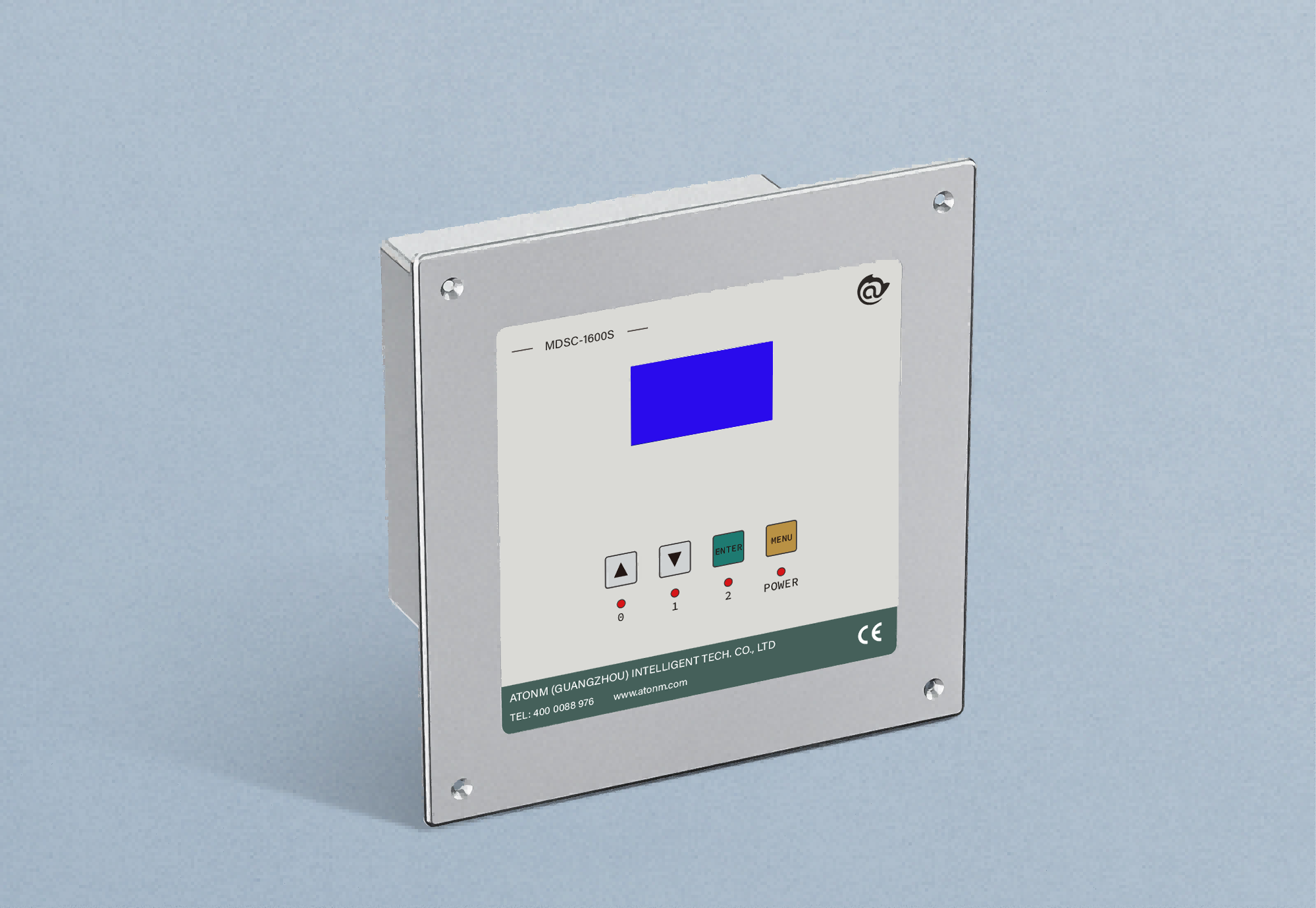
Atonm Dual-sheet 900E detection system is specially designed for metal sheet double-sheet detection in the printing and can-making fields and can accurately detect single or double sheets.

Atonm Dual-sheet Detector
Atonm Metal Dual-sheet Detection System Workflow
When a double sheet enters the detection probe, the controller compares the sensed current to the standard single/double sheet voltages; the controller/PLC outputs single/double signals, the PLC controls an actuator to remove the double sheet, and production resumes.

(Double-sheet detection workflow)
You May Be Interested
-
Atorm has been awarded ISO three system certification, safeguarding quality and sustainable development with international standards
2026-10-12
-
Atonm MDSC-9000T Dual-Channel, Single-Sensor Metal Double-Sheet Detector
2025-12-05
-
Non-Contact “One-to-Four” Double-Sheet Detector 1600S: A New Cost-Reduction and Efficiency Solution for Stamping Lines
2025-11-20
-
Provincial Auto Industry Research Tour | Atonm Engages with the Automotive Supply Chain, Empowering Smart Manufacturing through Sensors
2025-10-11